Online Audio Workstation
  • Local Studio
  • Cloud Studio
  • Tools
  • Desktop app
  • Learn
  • Gallery
  • Pricing
  • Blog
  • About
  • Log in

Product

  • Features
  • Pricing
  • Local Studio
  • Desktop app
  • Project gallery

Free Tools

  • Vocal Remover
  • BPM & Key Finder
  • Audio to MIDI
  • Tuning Explorer
  • Pitch Shifter
  • Speed Changer
  • Video Speed Changer
  • Voice Recorder
  • Podcast Recorder
  • Clean Up Recording
  • Vocal Match EQ
  • Sing a Cover
  • Virtual Choir
  • Audiobook Check
  • Practice Tracks
  • Music Assignments
  • Loop Jam
  • Purrcussion
  • Mix Review
  • Voice-over Session
  • Guitar Pro to MIDI
  • MusicXML to MIDI
  • All tools

Learn

  • All tutorials
  • Audio effects
  • MIDI instruments
  • MIDI effects
  • Style lessons

Company

  • About Us
  • Blog
  • Changelog
  • Service status

Legal

  • Terms of Service
  • Privacy Policy

Connect

  • contact@tuttidaw.com

© 2026 WeaveJam · Suzhou Zhishimiaoyan Software Technology Co., Ltd.

  1. Home
  2. ›Blog
  3. ›How-to

How-to

10 posts in this category.

The song is in E. Your singer tops out at C#. Transpose it without the chipmunk

Miles Carter · TuttiDAW team · 2026-09-15 · 2 min read

Two ways to change key in TuttiDAW - clip transpose and the Pitch Shifter device - and the formant switch that decides whether a shifted vocal sounds human.


The verse whispers, the chorus yells, and your fader hand is tired. Compressor basics

Miles Carter · TuttiDAW team · 2026-09-15 · 2 min read

Riding the fader all song is a job a compressor does better. Where to set threshold, ratio, attack and release on a vocal in TuttiDAW, and what to listen for instead of look at.

Pull the vocal (or the whole band) out of a finished song - free MVSEP-style stem separation in your browser

Miles Carter · TuttiDAW team · 2026-09-15 · 2 min read

A free MVSEP alternative that runs locally - right-click a clip, Separate Vocals or Separate Stems, and a Demucs v4 model splits the mix in your browser. Nothing uploaded anywhere. What it's for, how long it takes, what to expect.

You just sang three perfect takes into your laptop mic. Check your input first

Miles Carter · TuttiDAW team · 2026-09-15 · 2 min read

Browsers are good at quietly recording from the wrong device. A thirty-second check of the input picker and level meter before the first take, and how to read what the meter is telling you.

The vocal is buried and turning it up isn't working. Carve space with EQ instead

Miles Carter · TuttiDAW team · 2026-09-15 · 2 min read

When the vocal and the guitars overlap around 200-400 Hz, the fader can't separate them. A high-pass and one cut on the guitar's EQ Eight usually can. Where to cut and how to judge it.

Twelve tracks named 'Audio' and a rough mix due. Let Muse do the boring parts

Miles Carter · TuttiDAW team · 2026-09-15 · 2 min read

Muse is the assistant built into TuttiDAW's editor. It reads the actual session and works the same controls you do - renaming, gain staging, loading EQs, splitting stems. What to hand it, and what not to.

Your band speeds up in every chorus. Fix it with the metronome and a count-in

Miles Carter · TuttiDAW team · 2026-09-15 · 2 min read

When four people record in four rooms, tempo drift is the first thing that falls apart. Setting up the click and count-in in TuttiDAW takes a minute; here's the setup and the workflow around it.

Four people recorded apart, and the mix sounds like it. Bus compression is the glue

Miles Carter · TuttiDAW team · 2026-09-15 · 2 min read

Every part is right and the whole still doesn't hang together - the usual remote-recording disease. Put Glue last on the master, aim for 2-3 dB of reduction, and know when to stop.

You recorded the vocal in a closet, and it sounds like it. Reverb, used gently

Miles Carter · TuttiDAW team · 2026-09-15 · 2 min read

A dead-dry take is the right raw material - added reverb is adjustable forever, recorded room sound is not. Wet/dry, pre-delay and decay settings for a vocal that needs a room, not an effect.

The venue wants one file, the band wants stems. Export both without a bounce marathon

Miles Carter · TuttiDAW team · 2026-09-15 · 2 min read

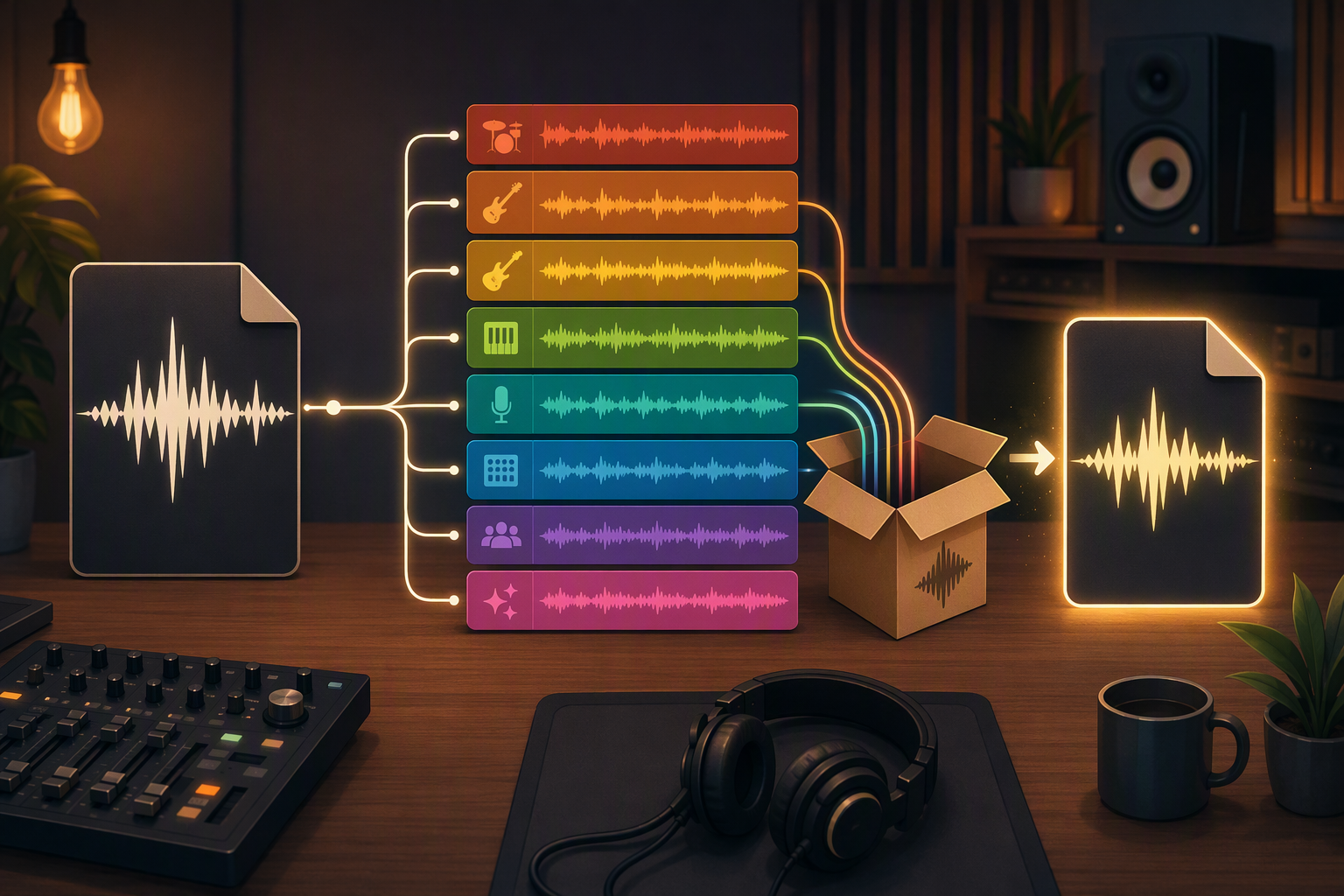
Export audio renders the mix as one stereo file; Export tracks audio renders every track through its full chain into a zip of stems. Which one each person in your life actually needs.

Categories

  • How-to (10)
  • Remote Recording (2)
  • Collaboration (1)
  • Podcasting (1)
  • Studio Setup (1)