
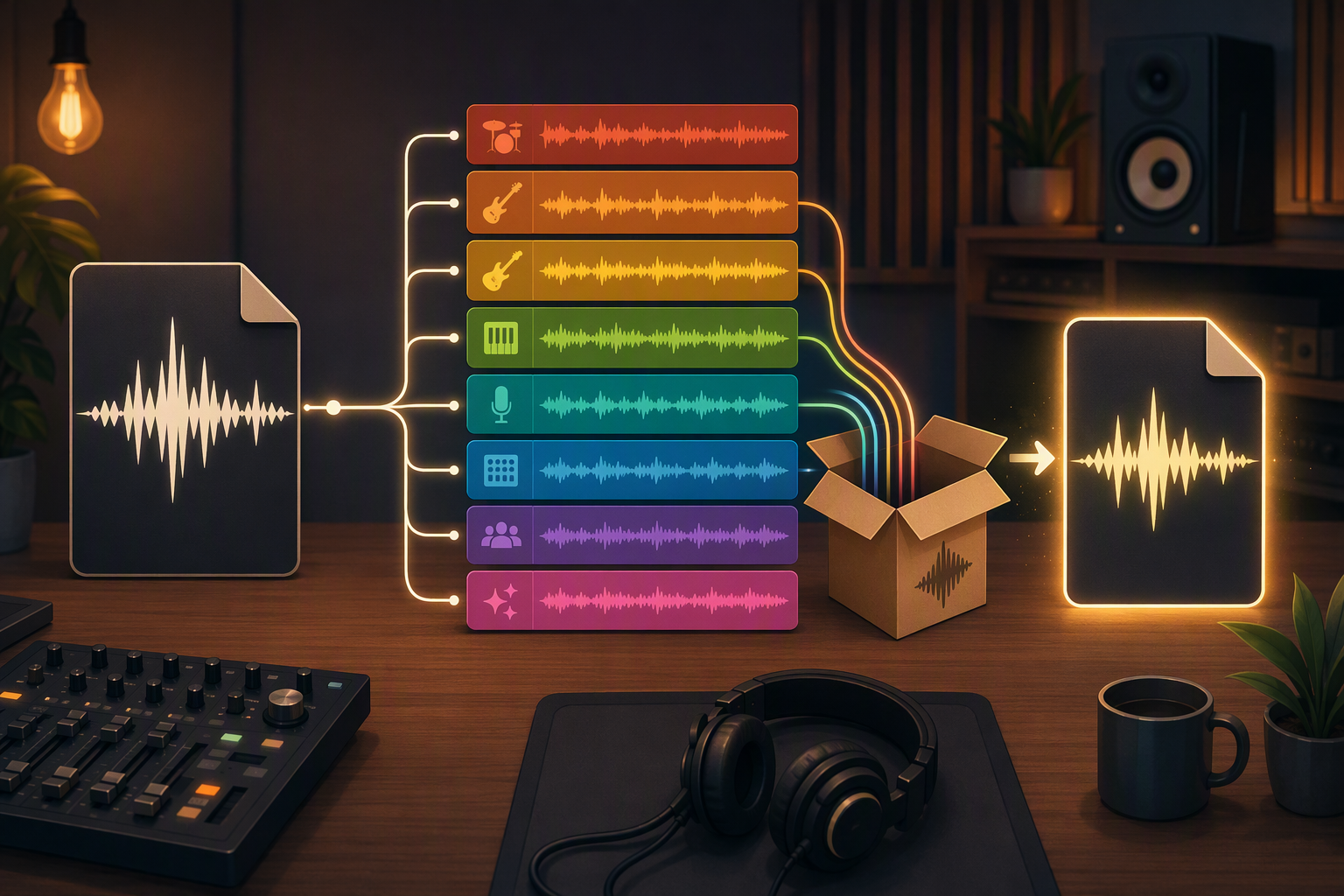
The song gets finished and the requests start, and they don't match. The venue: "just send a WAV or MP3." The bassist: "can I get my track dry-ish, I want to re-amp it." The friend who offered to master it: "stems please, and your rough mix for reference." Same project, three shapes.
The old way to produce those shapes was the bounce marathon - solo track 1, export, rename, solo track 2, export... discover at track 9 that track 4 was the muted scratch take, start over, and the evening's gone. TuttiDAW splits this into two exports because they're genuinely two different deliverables.
Export audio - the mixdown
Renders everything you hear into one stereo file: all tracks, all effects, master chain included. This is the listener-shaped output - the venue, the upload, the group chat, the demo inbox.
The thing to respect: it's a snapshot of the session exactly as it currently plays. A muted track isn't in it. A forgotten solo means only that track is in it. Play the song top to bottom once before you export. Three minutes, and it catches the muted-scratch-take problem while it's still free to fix.
Export tracks audio - the stems
Renders each track to its own file and zips them. Each stem goes through its track's full chain - EQ, compression, the lot - so each file sounds like that track sounds in the mix, which is what a mastering engineer or remixer wants. And since everything comes out of one session, all the files start at the project start: drop them into any DAW and they line up. Nobody has to ask whether the guitar is offset by a bar. (If someone wants truly dry tracks - the re-amping bassist - bypass the effects on that track before exporting. Worth asking which they mean; "dry" means three different things to three different people.)
Who wants stems: the mastering engineer, the bandmate re-recording their part elsewhere, the remixer who wants only vocal and drums, and future-you in 2031 with a dead project format and a folder of WAVs that still open.
What to send the mastering engineer
Both, usually - stems to work with plus your mixdown as the reference for what the band intends. But ask; some want a stereo mix only, with headroom. The pros ask you questions back, which is a good sign.
Last thing, specific to shared sessions: an export snapshots a live project. If the drummer is punching in fills while you bounce, your files and the session part ways immediately. Export after the band calls it, or say "exporting, nobody touch anything for five minutes" in the group chat. It feels bureaucratic. It's cheaper than explaining why the master is missing the fill everyone remembers recording.