Situations where you have a finished stereo mix and need what's inside it: the band wants to cover a song and nobody can find a backing track in the right arrangement. Your choir director wants just the vocal line to teach parts from. You recorded a live set to two tracks and the vocal needs a different reverb than the guitars. The original sessions are gone - the drummer's old laptop died with them.
Ten years ago the answer was "you can't, sorry." The answer now is a right-click.
How it works in TuttiDAW
Drop the song into the project, right-click the clip, and pick one of two options:
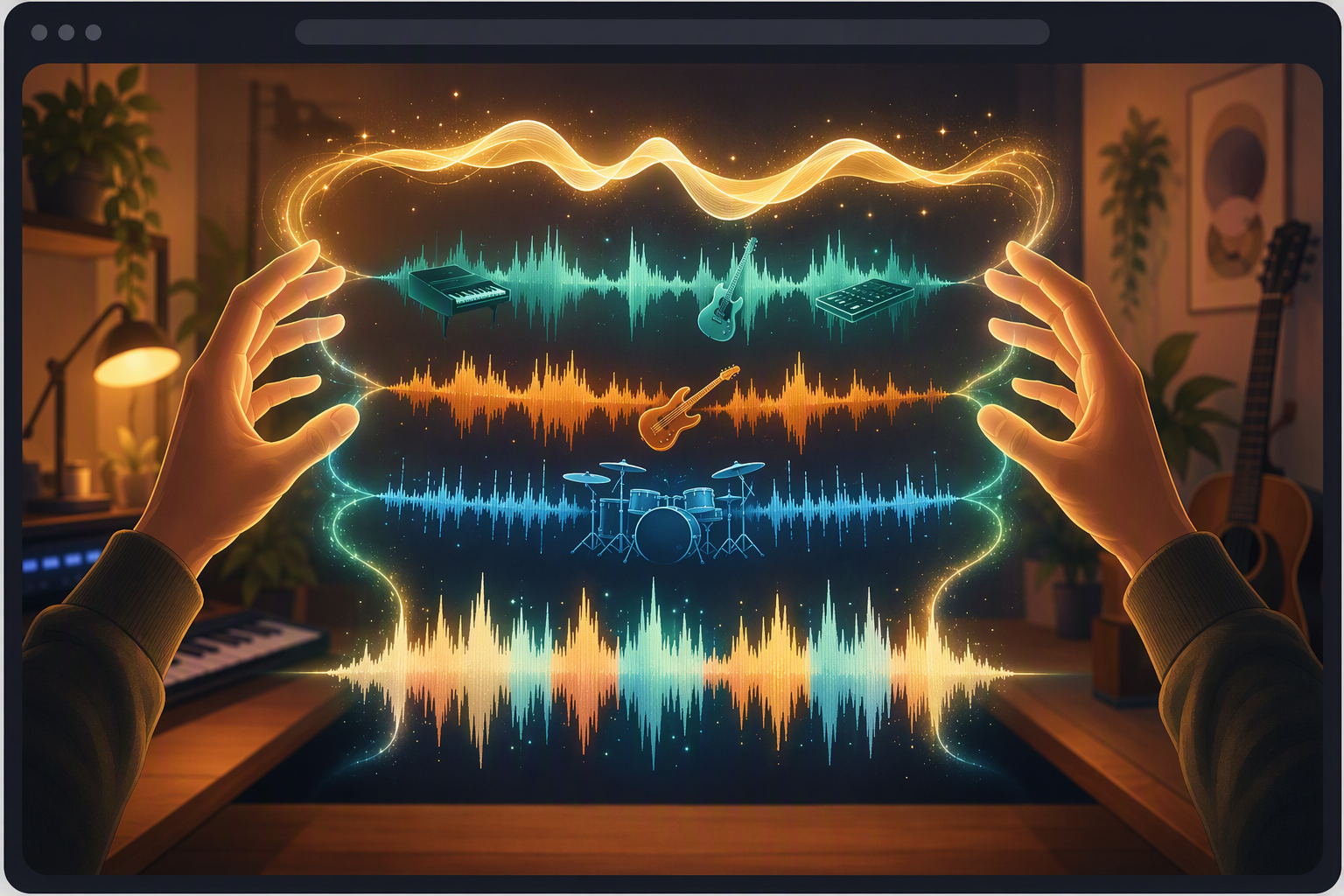
- Separate Vocals (AI) - splits into vocals and everything-else. The karaoke maneuver, in either direction.
- Separate Stems (AI) - splits into four: drums, bass, vocals, and "other" (guitars, keys, synths - the melodic leftovers).
The separated parts land as new tracks in the session, aligned with the original, ready to mute, EQ, or build on.
Under the hood it's Demucs v4 - the same model family the MVSEP leaderboard people benchmark - running entirely in your browser on WebGPU. That last part matters more than it sounds: the audio never leaves your machine. Nothing is uploaded to us or anyone else, which is exactly what you want when the material is an unreleased song or, say, a client's.
What to expect
First run downloads the model - about 120 MB. One-time cost, then it's cached. Muse (the built-in assistant) warns you about this too if you ask it to separate something.
Separation takes roughly the length of the clip. A four-minute song takes around four minutes. Kick it off, go tune your guitar. The progress indicator will tell you where it is.
Quality is genuinely good, not magic. Vocals come out remarkably clean on most modern mixes. Drums and bass, usually solid. The "other" bucket is where dense arrangements get smeary - two distorted guitars and a synth pad sharing a stem will not un-blend. And heavily reverbed vocals leave a ghost of their reverb behind in the instrumental, because the reverb is part of the other channels' picture.
What people actually use it for
Rehearsal backing tracks (mute the instrument you play). Teaching parts (solo the vocal stem, loop the alto line). Remixes and edits. Fixing a two-track live recording after the fact. Sampling your own old released material when the sessions are lost - this one comes up more than anyone admits.
Legal footnote, since someone will ask: separating a commercial song for private practice is one thing; releasing anything built from its stems requires the same clearances a sample would. The tech got easy, the rights didn't.