Clean Up Recording
Drop a recording that doesn't sound right - a meeting, lecture, interview or voice memo. Get it back with less background noise and an even, standard volume, plus an optional transcript. Everything happens in your browser.
100% in your browser - your files never leave your device.
How it works
Five steps from a noisy recording to a clean file - all in your browser.
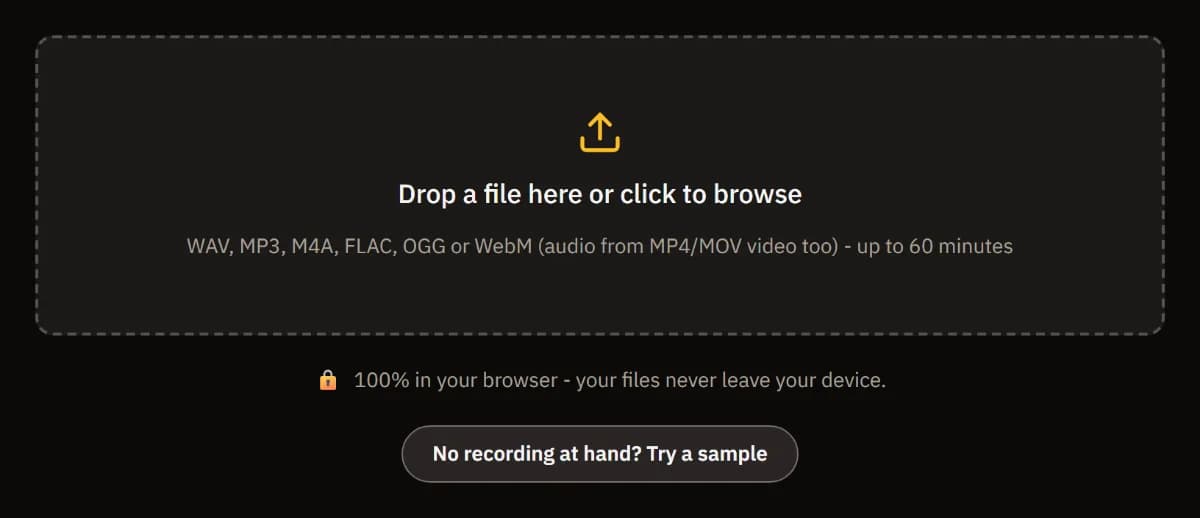
Drop your recording
A recording or the sound of a video, up to 60 minutes. It is processed on your computer and never uploaded.
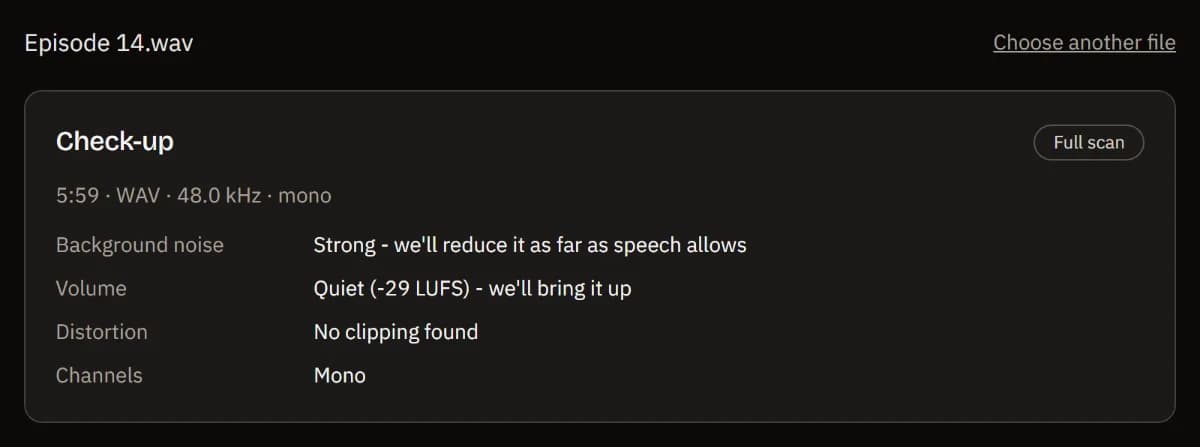
See what's wrong
A check-up names what it hears - background noise, a volume that is too low or too high, clipping, a silent channel - and what it will do about it.
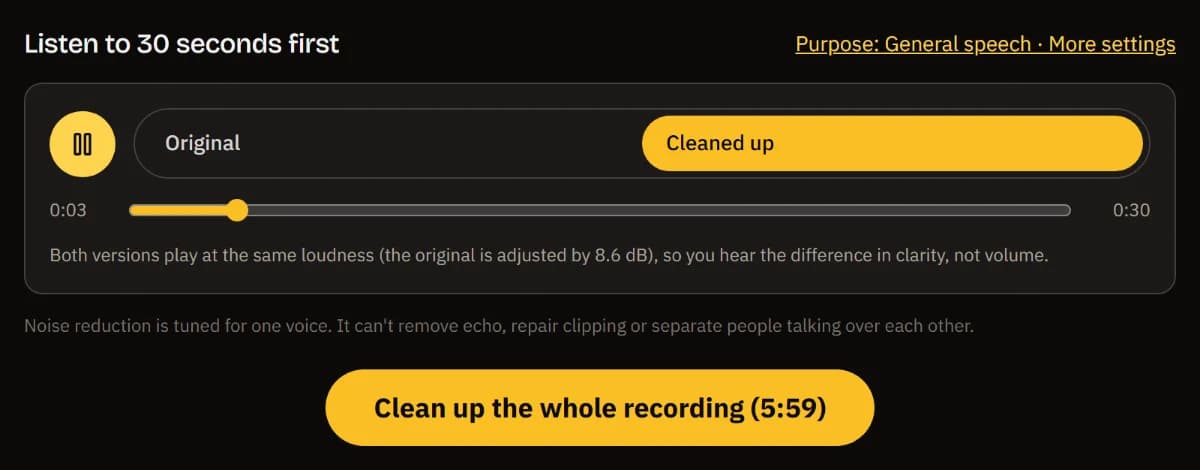
Listen to 30 seconds first
Switch between the original and the cleaned-up version at the same loudness, so you judge clarity, not volume.
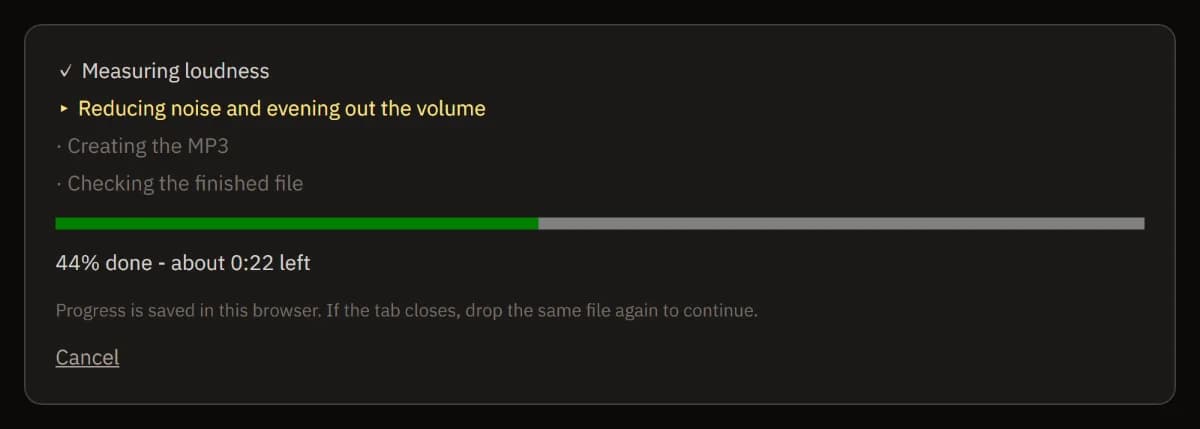
Clean up the whole file
Each step and the time left are on screen. Progress is saved in your browser, so a closed tab continues where it stopped.
Download or keep editing
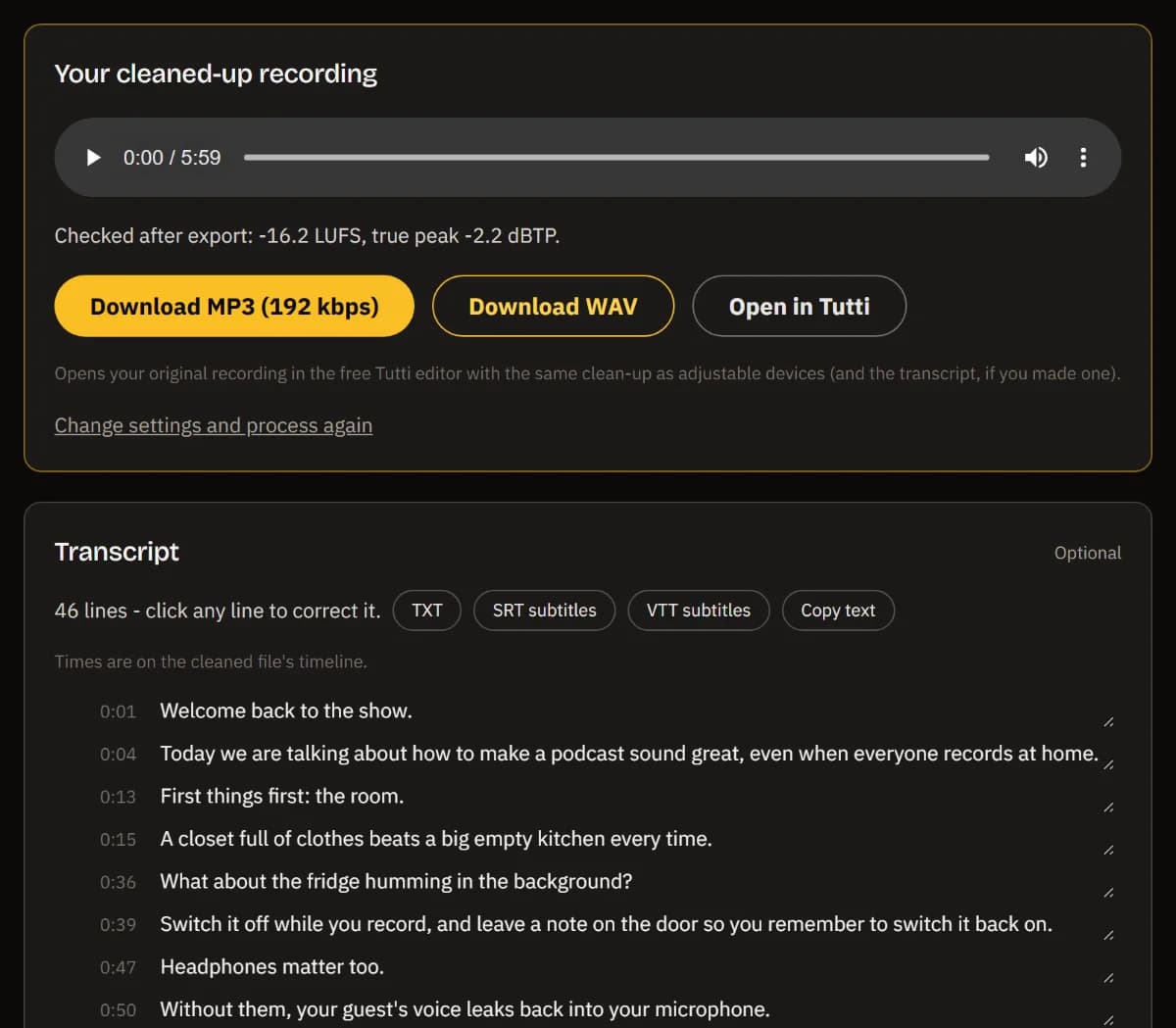
Download an MP3 or WAV that was measured again after export, add a transcript as text or subtitles, or open it all in TuttiDAW.
What the clean-up does
Your recording goes through the same speech chain the TuttiDAW editor uses: a low cut against rumble and handling noise, RNNoise-based noise reduction for hiss, hum and room noise, a voice leveler that rides quiet and loud passages towards the same volume, and a gentle compressor.
The volume is then set in two passes: the whole file is measured first, then brought to a standard loudness - -16 LUFS for speech, -14 LUFS for video - with a limiter keeping the true peak at or below -1 dBTP. The finished MP3 is decoded again and measured, so the numbers you see are the numbers of the file you download.
It is made for one voice at a time. It can't remove echo, repair clipped audio or separate people talking over each other - the check-up tells you when it hears those problems. Long jobs keep their progress in your browser, so a closed tab or a refresh continues where it stopped.
Frequently asked questions
Is my recording uploaded anywhere?
No. Decoding, noise reduction, loudness and the MP3 encoding all run in your browser, and the transcript uses a speech model that runs on your own device. Your audio and text never leave your computer.
How long can a recording be?
Up to 60 minutes at a time. For a longer file you choose which hour to clean up. You see the progress and the time left while it works, and you can switch to other tabs; the transcript is a separate step you can skip.
Which formats does it support?
WAV, MP3, M4A/AAC, FLAC, OGG/Opus and WebM, plus the audio track of MP4, MOV and WebM videos. You get an MP3 (192 kbps) or a WAV back, and the transcript as TXT, SRT or VTT.
How accurate is the transcript?
It uses Whisper (base), which handles clear speech in many languages well but makes mistakes with names, jargon, heavy accents and overlapping voices. Every line can be corrected before you export it.
Can I fine-tune the result?
Yes. Open in TuttiDAW puts your original recording in the free browser editor with the clean-up as real, adjustable devices - Denoise, Voice Leveler, Compressor, Limiter - and the transcript alongside, so you can change any setting and export again.
Want more control? The full TuttiDAW editor has the same devices and much more - free, in your browser.
Explore TuttiDAW - the online audio workstation, no sign-up to start