Native · Windows · macOS · Linux
Your whole studio,
now native on the desktop
Everything you love about TuttiDAW in the browser - the same shared project, the same real-time collaboration - with the extra headroom of a native app: more CPU cores, lower latency, offline sessions and direct hardware access.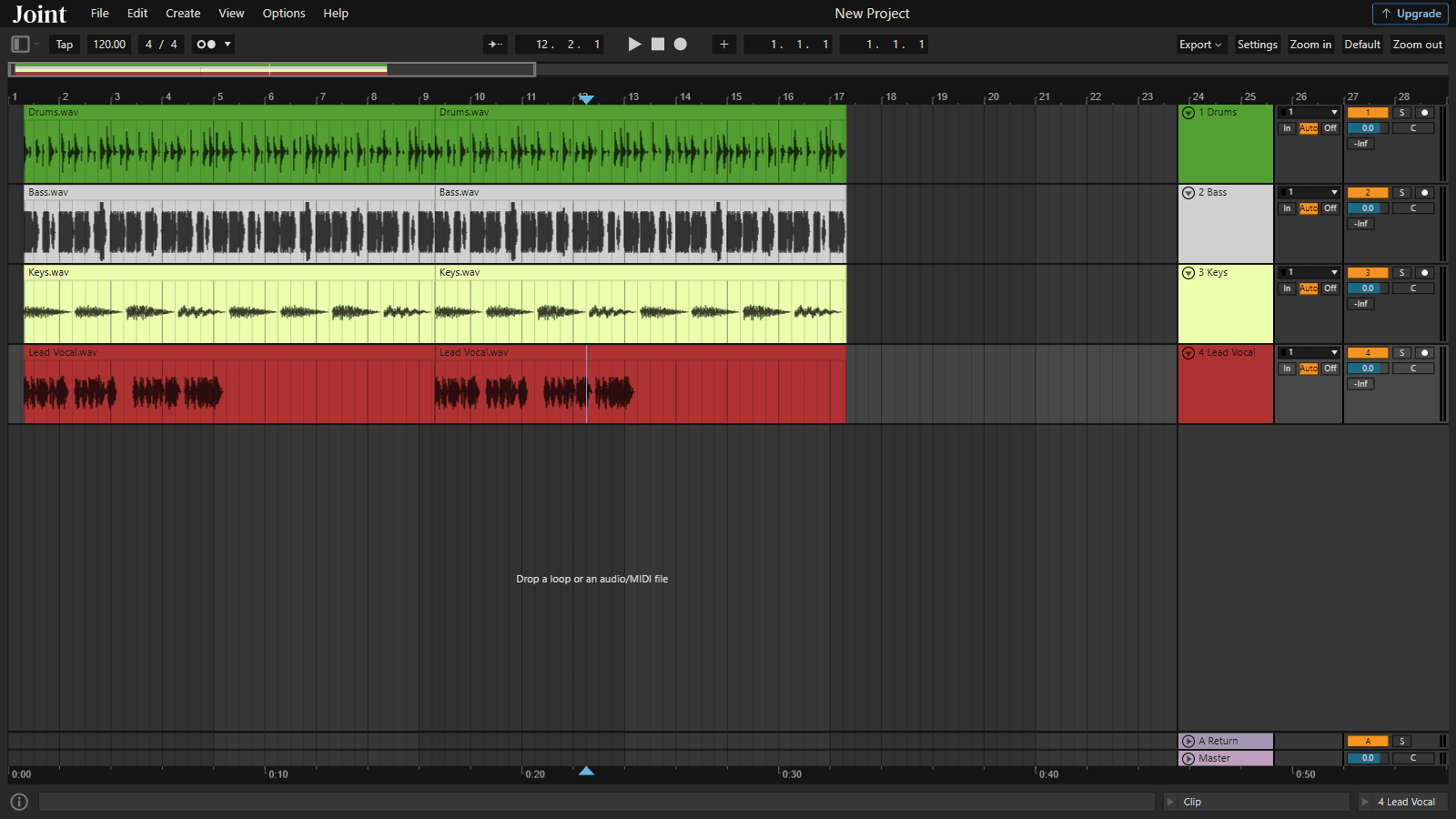
Same TuttiDAW, more power
The web app is still the fastest way in
Nothing changes about TuttiDAW on the web: open a link and you are producing in seconds, collaborating live with anyone, on any device, with no install. The desktop app opens the exact same projects - it simply adds native performance for the sessions that ask for more.What the desktop adds
Everything from the web, plus native headroom
Sign in once and your cloud and local projects are right there. On top of that, the desktop build unlocks capabilities only a native app can offer.The same projects, everywhere
Your cloud and local projects open identically on desktop and in the browser. Start on the web, finish on the desktop - it is one account and one format.Full multi-core mixing
The native engine spreads playback and effects across every CPU core, so larger sessions with heavier plugin chains keep playing without dropouts.Lower-latency monitoring
Direct native audio I/O trims round-trip latency, so recording and live monitoring feel tighter than a browser tab can manage.Direct hardware access
Talk to your audio interfaces and MIDI gear through the operating system, with device selection and buffer control built for your setup.Your CLAP plugins, hosted natively
Load the third-party CLAP instruments and effects you already own straight into your tracks - with parameter automation and sample-accurate latency compensation - running natively alongside TuttiDAW's built-in devices.Work fully offline
Local projects open and render with no connection at all. Your work stays on your machine until you choose to sync it to the cloud.Always up to date
The desktop app updates itself in the background, so every new instrument, effect and fix from the web arrives automatically - no reinstalling.Free download
Get TuttiDAW for your desktop
Free while in preview, just like the web app. Pick your platform below - your projects and account carry straight over.Builds are not yet code-signed, so your OS may warn on first launch - choose "keep" or "open anyway" to continue. Signed installers are on the way.