
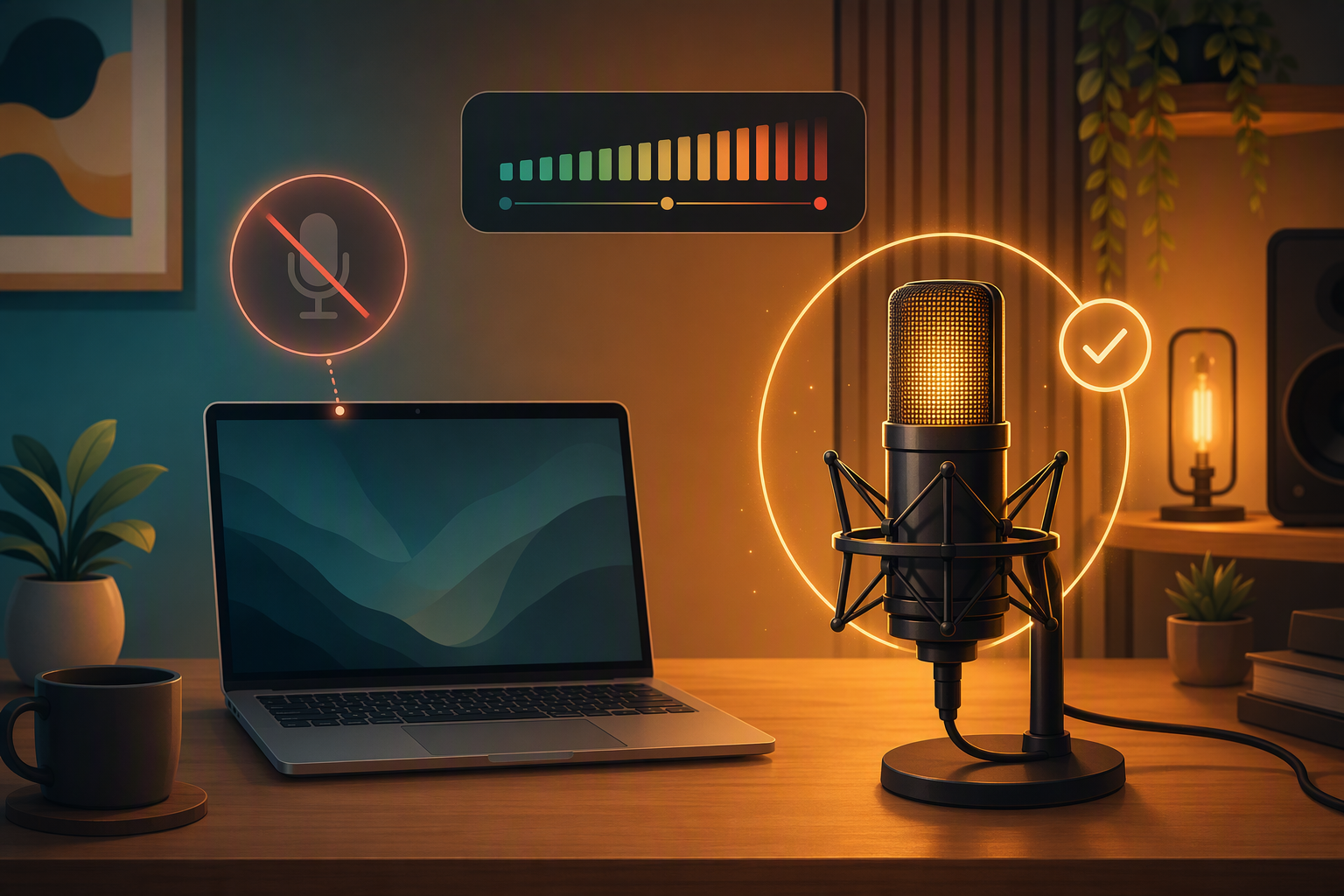
You warm up, you get the take, you get it twice more for safety, and on playback the vocal sounds like a conference call. The browser was on the laptop's built-in mic the entire time. The interface sat on the desk with its light on, monitoring you through headphones you weren't wearing for playback, contributing nothing.
I want to say this happens to beginners. It happens to everyone, because the failure has three parents: the OS has a default input, the browser has its own opinion, and a USB interface plugged in after the tab was opened doesn't reliably become either one's choice.
The check
Read the device name on the track. Each recording track has an input selector. Open it. You want to see your interface by name - "Rubix24", "Scarlett 2i2 USB" - not "Default", and not anything containing "built-in" or "array". Default isn't technically wrong; it means the OS picks, and the OS re-picks whenever devices come and go, which is exactly the behavior you're trying to avoid.
If the interface isn't in the list, you probably plugged it in after opening the session. There's a refresh control next to the picker; it rescans without reloading the page.
Watch the meter while you play at real volume. Not the waveform, the meter, before recording. Healthy is: moving on your signal, quiet when you're quiet, never slamming the ceiling. Two specific bad signs worth memorizing:
- Meter moves when you're silent but the room isn't → that's the laptop mic, hearing your fan.
- Meter barely moves at full performance volume → wrong device, or the interface's gain knob is down. Check the knob first; it's cheaper.
Then record two seconds and listen. Built-in mic sounds roomy and far; interface sounds close and dry. Once you've A/B'd this once you can diagnose it by ear forever.
Why bother every time
Because the inputs change without telling you. Windows updates reset defaults. Interfaces get unplugged for band practice and re-enumerated on a different port. Browsers update. The check costs thirty seconds; the failure costs the best take of the night, and in a shared session it costs more than that - your bandmates hear the take as soon as it lands, and a laptop-mic vocal becomes the reference everyone plays against until you redo it.
Engineers do a line check at the start of every session, including sessions where nothing changed since yesterday. Especially those, actually.