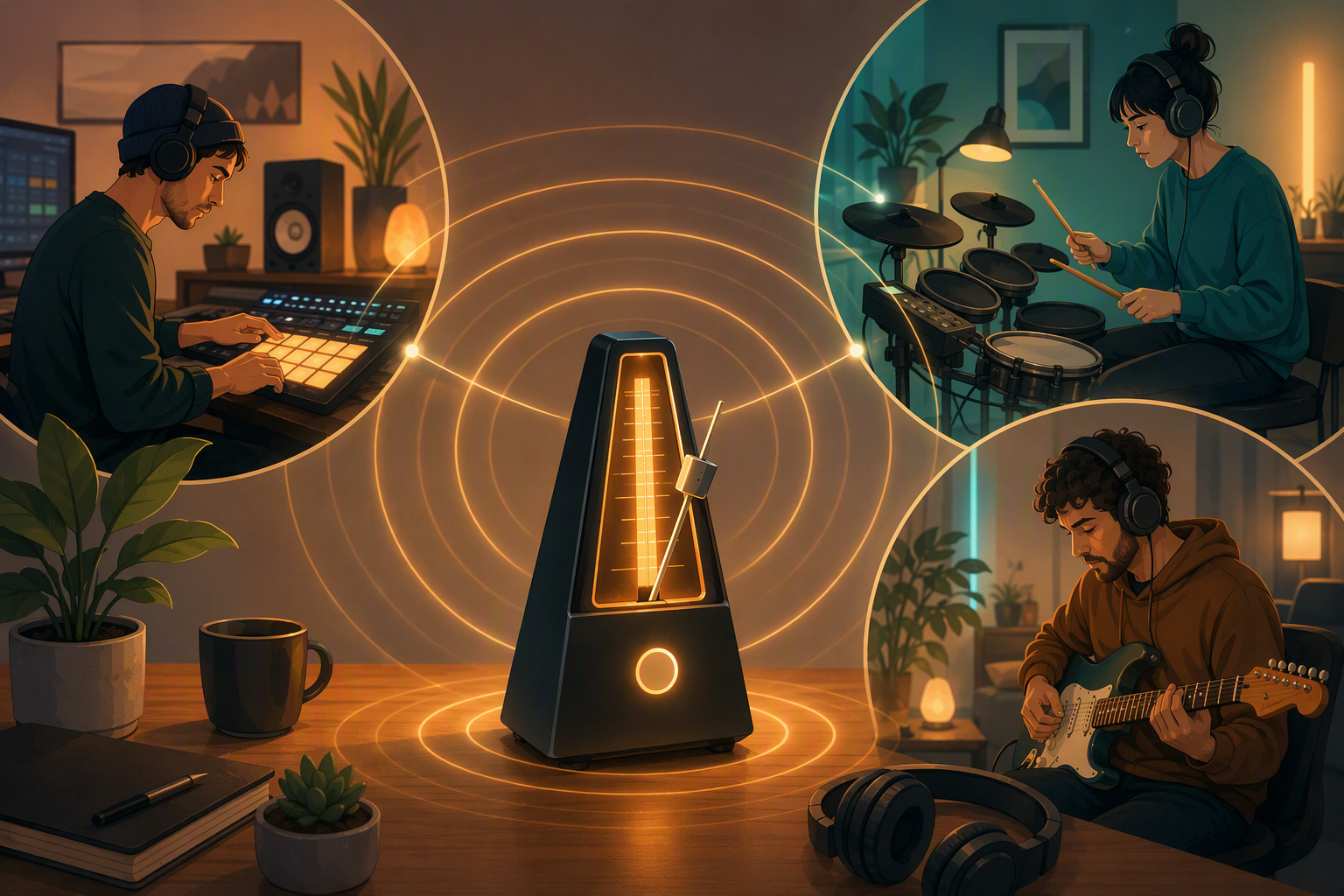
Our first remote recording had a chorus that gained about 6 BPM between verse one and the outro. Nobody heard it happen. The drummer tracked first and pushed a little, the guitarist tracked on top of the drums and pushed a little more, and the bassist - recording three days later - split the difference in a way that agreed with neither of them. In a rehearsal room this self-corrects because everyone hears everyone. Recording alone, there's no correction, only accumulation.
The fix is not exciting. It's the click.
Setup
Tempo in TuttiDAW is a project setting, not a personal one - set the BPM in the top bar and everyone who records into the project hears the same click on the same grid. Do this before anyone records. Changing tempo after there's audio down means renegotiating everything already recorded, which is a conversation you don't want.
The metronome toggle is in the control bar next to the transport. The dropdown next to it has two things in it:
Count-in. Pickup beats before recording starts. Without it you're guessing when bar one arrives and botching the first note; with it you get counted in like a human. If your takes consistently start badly, turn this on before blaming yourself.
Sound - Classic, Click, or Wood. Not cosmetic: pick whichever one survives your instrument. Wood block under distorted guitar is inaudible. I use Click for anything loud and Classic for vocals, but try them against your own source.
The workflow
Whoever defines the groove records first, on the click, with count-in. Usually drums or rhythm guitar. Everyone after that can follow the click or follow the drummer - both are fine, because the drummer was on the grid, so the grid still means something.
A useful side effect: drift becomes visible, not just audible. When a take wanders, its clip stops agreeing with the bar lines on the ruler, and you can see where it went wrong before you can articulate it.
When to turn it off
Rubato intros, ambient sections, anything that's supposed to breathe. A click flattens those. It's there for the parts where four people need to agree on beat one, not for the parts where the music sets its own time.
Since the session is shared, the guitarist recording tomorrow hears the drummer's real take against the same click you used today - no exporting a reference mix, no "which version has the click" email.