Every session accumulates chores. Twelve tracks named "Audio", "Audio 2", "Audio 3 (2)". Levels nobody balanced since the first take. A guitar that needs a high-pass, a vocal that needs naming after the person who sang it. None of this is music. All of it eats the evening.
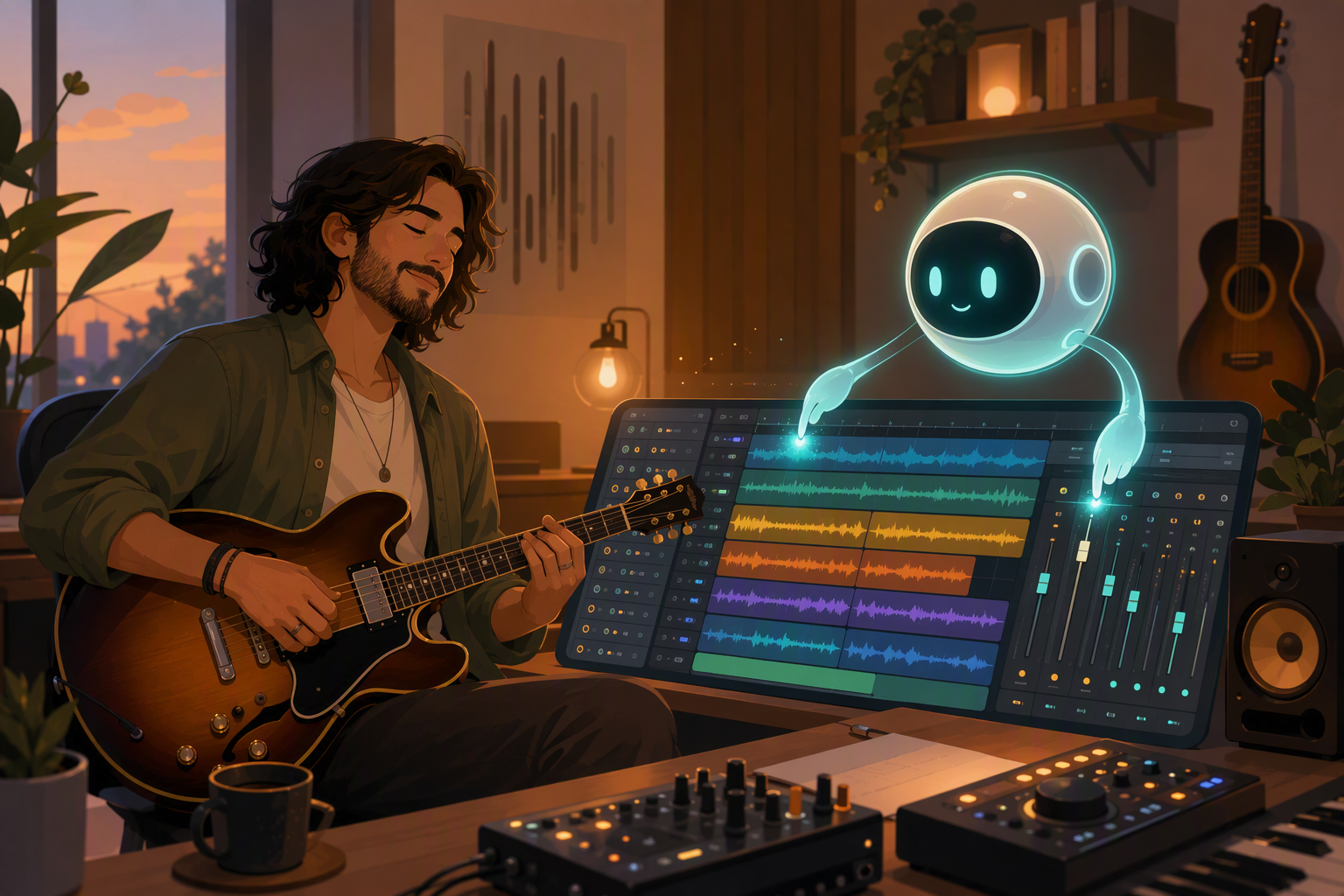
Muse is the assistant panel inside the TuttiDAW editor, and chores are what it's best at. It's not a chatbot with opinions about your song - it operates the same session you're looking at, through the same controls, and you watch the changes happen live.
What handing it work looks like
Open the Muse panel and type what you'd tell an assistant engineer:
- "Rename the tracks after what's on them, then bring the levels into a rough balance."
- "High-pass everything except bass and kick."
- "Track 3 is boomy, fix it." - for this kind of request it analyzes the track's actual spectrum before touching the EQ, rather than guessing from the name.
- Drop an MP3 into the panel: "split this into stems and lay them out on tracks."
That last one uses the same local separation engine as the right-click menu - Muse will tell you about the 120 MB first-time download and the wait before it starts, rather than silently disappearing for four minutes.
Two properties make this trustworthy enough to actually use. Everything Muse does is a normal edit, so Ctrl+Z works on all of it - there is no special AI state to untangle, you undo it like you'd undo your own mistake. And it asks before destructive things; "delete everything except the vocal" gets a confirmation, not obedience.
Where the line is
Muse in a shared session behaves like another collaborator: your bandmates see its edits appear live, same as yours. That's useful and occasionally social dynamite. My rule: chores, anytime; taste, only with the band watching. "Clean up the track names" needs no meeting. "Rebalance the whole mix" while the drummer is also in the session working - that's the same conversation you'd have to have if a human did it, and skipping the conversation doesn't go better because the engineer was software. It also handles the case where you both grab the same knob - if a value changed under it since it looked, it re-reads before writing instead of stomping.
I don't hand it the mix decisions I care about, for the same reason I wouldn't hand them to an intern on day one - not because the moves would be wrong, but because I want to know why every choice in the final mix is there. Ask for the boring parts. Keep the parts that are the reason you're making music in the first place.